Great project! A WordPress backup plugin sits at an interesting intersection of several disciplines. Here’s what you’ll need to master:
Core WordPress Development You’ll need solid familiarity with the WordPress Plugin API — hooks (actions/filters), the options API, cron jobs (wp-cron for scheduling), and the REST API if you plan a modern UI. Understanding WordPress’s file structure and database schema is essential since you’re backing up both.
PHP This is the backbone. You’ll need intermediate-to-advanced PHP skills including OOP (classes, interfaces, traits), error handling, streams, and working with large data efficiently. Memory management matters a lot in backup plugins since you’re processing potentially gigabytes of data.
Database Knowledge (MySQL) You need to know how to export a MySQL database programmatically — dumping tables, handling foreign keys, escaping data correctly. Libraries like MySQLDump-PHP exist, but understanding what’s happening underneath is important for debugging edge cases.
File System & Compression Working with PHP’s ZipArchive, PharData, or shelling out to tar/gzip where available. You’ll also need to handle file exclusions (cache folders, logs, etc.) and large file streaming to avoid memory exhaustion.
Security This is critical. Backup files contain everything — credentials, user data, all of it. You’ll need to understand encryption (AES-256 for backup files at rest), secure download mechanisms (never expose backup files in a public web-accessible directory), nonce verification for all admin actions, and capability checks (current_user_can).
Cloud Storage Integrations Most users want backups offsite. You’ll need to work with SDKs or REST APIs for destinations like Amazon S3, Google Drive, Dropbox, or SFTP. Understanding OAuth flows is necessary for services like Google Drive.
Scheduling & Background Processing WP-Cron is unreliable on low-traffic sites, so you should understand its limitations and offer alternatives like real server crons. For long-running backups, you’ll need chunked/batched processing — breaking the job into resumable steps so it doesn’t time out.
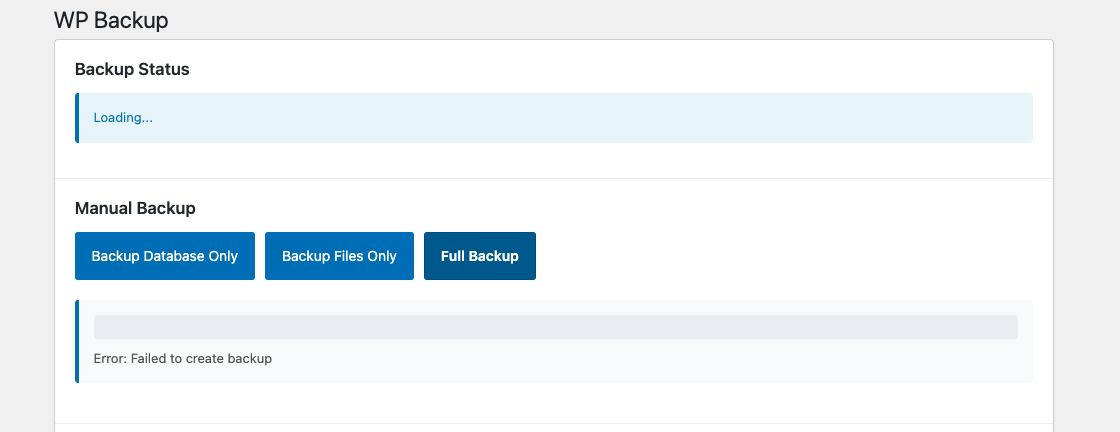
JavaScript & UI Even a simple plugin needs a decent settings page. Vanilla JS or React (WordPress now uses React for Gutenberg-era admin screens) for progress indicators, status updates, and configuration forms. REST API polling or WebSockets for real-time backup progress is a nice touch.
Testing & Reliability PHPUnit for unit testing your core logic, and end-to-end testing on various hosting environments (shared hosting, VPS, managed WordPress). Shared hosts are the hardest target — low max_execution_time, restricted shell access, limited memory.
DevOps Awareness Understanding how different hosting environments behave (cPanel, Kinsta, WP Engine, etc.) will help you build a plugin that works everywhere, not just in ideal conditions.
The rough priority order if you’re building this incrementally would be: WordPress Plugin API → PHP file/DB handling → Security → Scheduling → Cloud storage → UI polish.